Cronboard
Cronboard is a terminal-based dashboard for managing cron jobs — both locally and on remote servers — built with Textual.
What is Cronboard?
Cronboard gives you a keyboard-driven TUI (Terminal User Interface) to:
- View all your cron jobs at a glance
- Create, edit, delete, pause and resume cron jobs
- Connect to remote servers via SSH and manage their cron jobs
- Search through jobs using keywords
- See human-readable descriptions of cron expressions in real time
You manage everything from the terminal: no web UI, no extra services. Your crontab stays the standard system crontab, so existing tools and backups keep working.
See it in action
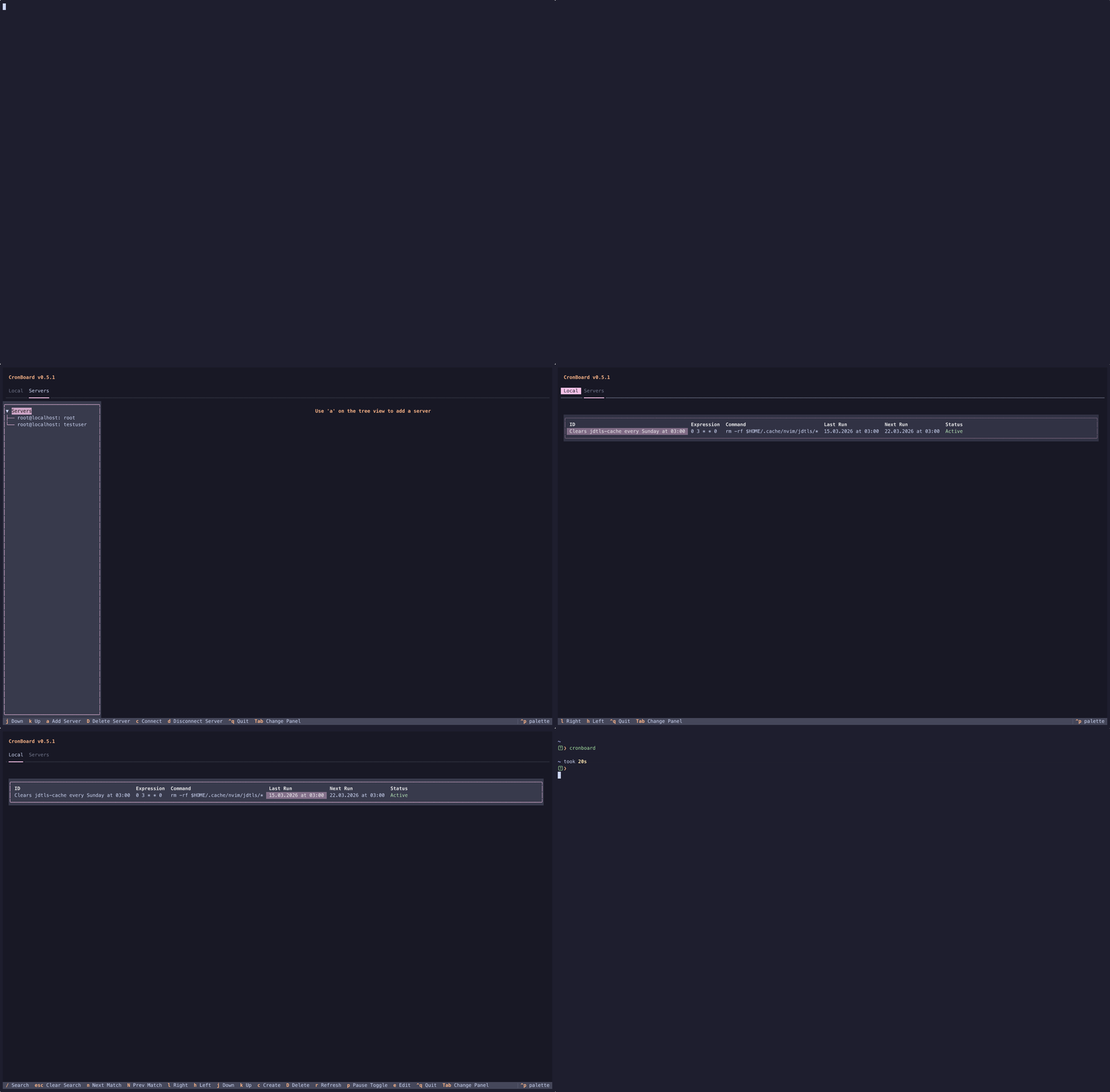
Below is a short overview of Cronboard’s interface. The Getting Started guide walks through each step with more detail and examples.
Requirements
- Python 3.13 or later
cron/crontabavailable on the system
Your system must have cron installed and the crontab command available (e.g. crontab -l runs without error). On macOS and most Linux distributions this is already the case.
Quick Start
See the Installation page for all available installation methods.